Why Your Warmup Emails Are Going to Spam
Why Your Warmup Emails Are Going to Spam
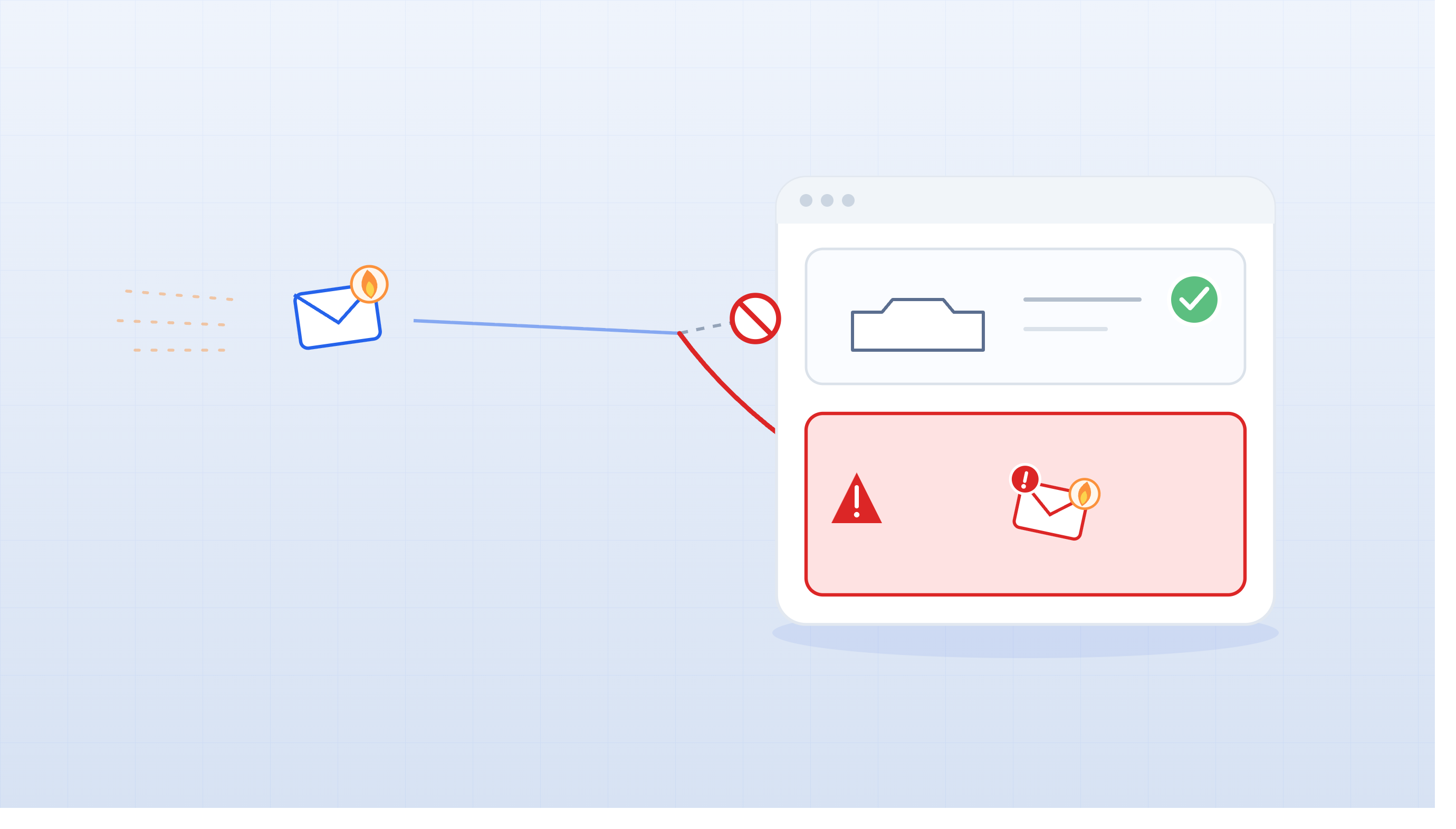
Warmup emails landing in spam feels like a tool problem. It usually isn't. In most cases, the real cause is broken authentication, an aggressive volume ramp, or a domain reputation issue that no warmup tool can patch on its own. Here's how to diagnose what's actually wrong and fix it.
Spam Placement During Warmup Isn't Always a Crisis — But Ignoring It Is
New mailboxes get extra scrutiny. Mailbox providers haven't seen you before, so they don't yet know whether you're a legitimate sender or a spam operation spinning up. Some filtering during the first week or two is a normal part of that evaluation process — providers are collecting signals before deciding how much to trust you.
The real warning sign is persistent spam placement after week two. If emails are still consistently landing in spam by day 14 or later, that's no longer "settling in" — that's a failing warmup. The distinction matters because the fixes are different. Early filtering often resolves on its own with consistent, positive sending behavior. Ongoing spam placement usually points to a specific, correctable problem.
Don't let it sit. A warmup that stays broken doesn't just delay your campaigns — it actively builds negative reputation that becomes harder to recover from the longer it goes unchecked.
Broken Authentication Is the #1 Reason Warmup Emails Hit Spam
If SPF, DKIM, or DMARC aren't passing, mailbox providers have no technical basis to trust your domain. Authentication isn't a bonus configuration — it's the foundation every reputation signal is built on. Without it, even the best warmup engagement can't fully compensate.
Here's what each record does and why it matters:
- SPF tells receiving servers which servers are authorized to send email on behalf of your domain. A missing or misconfigured SPF record means providers can't confirm the email is legitimately from you.
- DKIM adds a cryptographic signature to each outgoing email. It proves the message wasn't altered in transit and was authorized by your domain. Without a passing DKIM signature, providers treat the message as potentially tampered with or spoofed.
- DMARC ties SPF and DKIM together and tells providers what to do when messages fail those checks. It also needs to be properly aligned with your From domain — not just present in DNS.
Before you blame your warmup tool, check authentication. Send a test email and review the headers. You should see SPF: Pass, DKIM: Pass, and DMARC: Pass. If any of those are failing, fix them first. Everything else is secondary.
You're Ramping Volume Too Fast for a New Mailbox
Going from zero to 50+ emails a day on a brand-new mailbox looks exactly like spam behavior to providers. They've seen this pattern thousands of times — an account gets created, immediately starts sending at high volume, and turns out to be a spam campaign. Providers protect against this by filtering aggressively when they see it.
The solution is a gradual ramp. Here's what that should look like:
| Week | Daily Warmup Volume |
|---|---|
| Week 1 | 10–15 emails/day |
| Week 2 | 15–25 emails/day |
| Week 3 | 25–40 emails/day |
| Week 4 | 40–50 emails/day |
The percentage increase matters more than the raw number. Jumping from 20 to 40 emails a day is a 100% increase — that's aggressive. Jumping from 80 to 100 emails a day is a 25% increase — that's manageable. Providers react to relative changes in behavior, not just absolute volume. A jump that looks small to you can look like a spike to a filtering algorithm.
If your warmup emails are going to spam and you've been scaling faster than this, pull back to the last stable volume level and hold there for a week before moving up again.
Your Domain Has a Reputation Problem That Warmup Can't Fix Alone
A brand-new domain has zero history with mailbox providers. That alone creates friction — providers don't know whether to trust it yet, so they filter conservatively while they watch your behavior. Warmup helps establish that history, but it takes time and consistent positive signals to move the needle.
Domain reputation and mailbox reputation are separate layers, and both matter. Your mailbox reputation is tied to a specific address — john@companyhq.com. Your domain reputation covers everything sent from companyhq.com. A problem with one mailbox on your domain can bleed into the reputation of every other mailbox you're sending from. That's why it's worth monitoring at both levels, not just the individual sender.
One of the most common domain reputation mistakes is sending cold outreach from your root domain — the same company.com your customers and partners email you on. If that domain develops reputation problems from outbound prospecting, it can affect your customer support replies, your contract discussions, and your internal communications. Cold email inherently generates more bounce and complaint risk than transactional mail. Using a secondary, brand-related domain (like companyhq.com or getcompany.com) keeps your primary domain clean and gives you a safer place to build outbound reputation.
Weak Engagement Signals Mean Warmup Isn't Actually Working
Warmup works by generating positive engagement signals — opens, replies, inbox interactions — that tell mailbox providers this sender's emails are wanted. If your warmup tool isn't actually producing those signals, reputation isn't building. You're just sending emails into a void and hoping the domain ages into trustworthiness on its own. It doesn't work that way.
Replies are the strongest individual signal in the warmup process. A reply tells a provider that a real person read your email and chose to respond. That's exactly the kind of behavior that distinguishes legitimate senders from spammers. Opens matter too, but they're less reliable — Apple Mail Privacy Protection and similar features inflate open counts in ways providers are increasingly aware of.
If your warmup emails are consistently going to spam, ask whether the warmup network you're using is generating real replies and inbox interactions, or just sending and receiving without genuine engagement. [unverified] Some warmup networks generate higher-quality engagement signals than others, which can meaningfully affect how quickly mailbox reputation builds.
How to Tell If Your Warmup Is Back on Track
The strongest sign that warmup is working is simple: your emails are landing in the inbox. Consistent inbox placement across warmup sends is a better signal than any engagement metric because it reflects what providers are actually doing with your mail, not just what recipients are clicking.
Beyond inbox placement, look for:
- Passing authentication — SPF, DKIM, and DMARC should all show green on every send
- Low bounce rates — a properly functioning warmup should generate almost no bounces
- Stable or improving reply activity — replies signal that the warmup network is generating real engagement
- No sudden performance drops after volume increases — if things fall apart every time you scale up, you're moving too fast
Don't evaluate warmup success by open rates alone. Open tracking is imperfect, and a drop in opens doesn't always mean spam placement. Check inbox placement directly and look at reply volume alongside open rate before drawing conclusions.
XemailCampaign's built-in warmup runs in the background and tracks reputation signals continuously, so you can catch early warning signs before they turn into a full deliverability problem — without having to manually check headers after every test send.
Next Steps
Use this checklist before assuming your warmup tool is broken:
- Verify SPF, DKIM, and DMARC are all passing (check email headers or run a test send)
- Confirm you're on a secondary domain — not your root business domain
- Review your volume ramp against the schedule above — are you scaling too fast?
- Check that your warmup tool is generating actual replies, not just sends and opens
- Monitor inbox placement directly, not just open rates
- If spam placement persists past day 14, reduce volume and fix authentication before increasing again