Protect Cold Email Deliverability With Secondary Domains
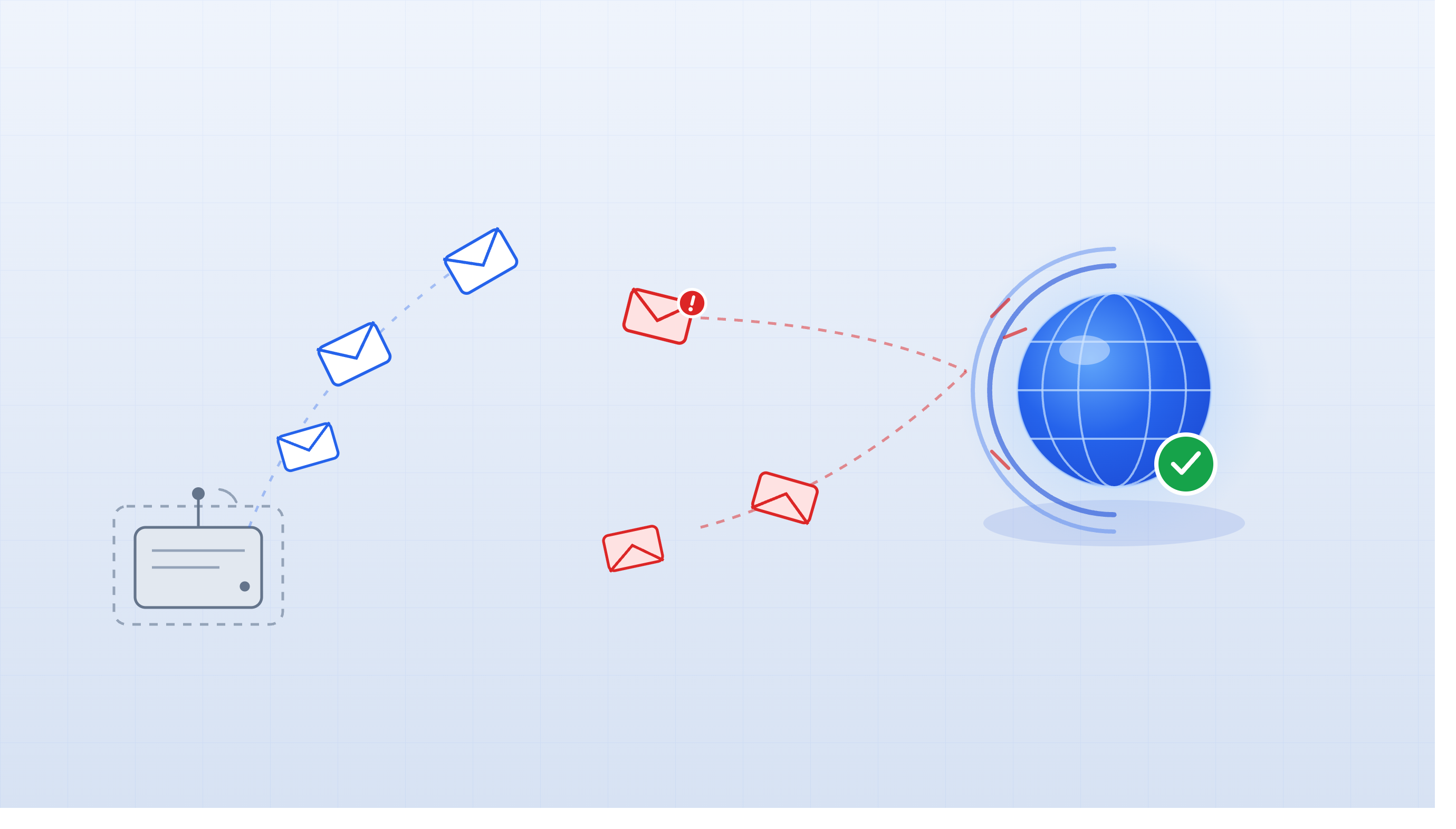
Never Use Your Primary Domain for Cold Email
Your primary domain is the backbone of every business email you send — customer support, contracts, investor updates, internal ops. Using it for cold outreach is like running a stress test on infrastructure you can't afford to break.
Your Primary Domain Carries Reputation You Can't Afford to Lose
Every mailbox on your primary domain shares the same domain reputation. That means john@company.com, support@company.com, and your CEO's inbox all rise and fall together. Cold email generates spam complaints and hard bounces by design — even a well-run outbound program will produce some. When those negative signals hit your root domain, they don't stay contained to the mailbox that caused them.
The recovery problem is just as serious as the initial damage. [unverified] Quantified data on exactly how long domain reputation recovery takes after cold email abuse is not well-established publicly, but the consensus among deliverability specialists is that it's slow — weeks to months — and in severe cases the root domain never fully returns to its prior standing. During that recovery window, your transactional email, customer communication, and sales conversations all take the hit.
This is not a hypothetical edge case. It's the predictable result of sending cold outreach at scale from a domain that also handles business-critical email.
How Domain Reputation Actually Works and Why It Makes Cold Email Risky
Mailbox providers like Gmail and Microsoft assign reputation at multiple levels: IP, mailbox, and domain. Domain reputation is the broadest of the three, and every mailbox on a given domain contributes to it — for better or worse.
If one mailbox on company.com starts generating spam complaints from cold outreach, that signal doesn't stay isolated. It bleeds into the domain-level score that providers use to evaluate all mail from company.com. Domain reputation is distinct from mailbox reputation — a single underperforming mailbox can drag down the entire domain, even mailboxes with spotless individual histories.
IP reputation is a separate layer again. When you're using Google Workspace or Microsoft 365, you're sending from their shared IP infrastructure, which is generally trusted. That means domain reputation ends up carrying the most weight for most cold email senders — it's the signal providers lean on hardest when deciding where your email lands.
Secondary Domains Isolate Risk Without Sacrificing Brand Recognition
A secondary domain puts a firewall between your cold outreach and your business operations. If companyhq.com or getcompany.com takes a reputation hit, your primary company.com domain is completely unaffected. Customer emails still land in the inbox. Investor replies still come through. Nothing breaks.
Brand-adjacent naming keeps recipient trust intact without exposing the root domain. Names like trycompany.com, getcompany.com, or companyteam.com clearly signal the same organization. Recipients recognize the brand — they just don't see the exact same domain they'd find on your website. In practice, this has minimal impact on reply rates when the email itself is well-written and relevant.
The other major benefit is recoverability. If a secondary domain accumulates reputation damage, you can rest it, replace it, or retire it entirely. The cost is a domain registration fee and a warmup cycle — not a disruption to your entire email operation. That's a fundamentally different risk profile than what you're taking on with the root domain.
Setting Up a Secondary Domain: SPF, DKIM, and DMARC Are Non-Negotiable
Authentication isn't optional on secondary domains. Each one needs its own complete DNS setup, independent of what's configured on the root domain — signatures and records don't carry over.
Start with SPF. For Google Workspace, your record looks like this:
v=spf1 include:_spf.google.com ~all.
For Microsoft 365, swap in include:spf.protection.outlook.com. SPF tells receiving servers which infrastructure is authorized to send on behalf of that domain. If you're using a third-party sending platform, make sure it's included in the record too — a missing provider means SPF failures on a chunk of your sends.
DKIM needs to be enabled and verified for each domain individually. Generate the key inside your email provider (Google Admin or Microsoft 365 admin center), publish it as a DNS TXT record, and confirm the selector is passing before you start sending. DMARC ties it together. Start at p=none to collect authentication data without enforcing action, then progress to p=quarantine and eventually p=reject as your authentication stabilizes. Here's the progression:
| DMARC Stage | Policy | When to Use |
|---|---|---|
| Phase 1 | p=none |
First 2–4 weeks, monitoring only |
| Phase 2 | p=quarantine |
Once SPF and DKIM consistently pass |
| Phase 3 | p=reject |
Full enforcement, mature infrastructure |
Scale Safely: How Many Secondary Domains You Actually Need
The math here is straightforward. Each mailbox should send no more than 100 emails per day. With 3 mailboxes per domain, that's a cap of 300 emails per domain per day — a threshold that balances sending capacity with reputation protection.
For a campaign targeting 10,000 prospects across a 4-step sequence, you're looking at 40,000 total emails. At 300 emails per domain per day, 5–8 secondary domains gives you enough capacity to run the campaign at a reasonable pace without overloading any single domain. Don't try to hit that volume on day one — new domains need a ramp-up period before they can handle full load.
The right scaling strategy is to add domains as volume grows, not to pile more mailboxes onto existing domains. More mailboxes per domain means more volume concentrated in one place, which means a larger blast radius if something goes wrong. Spreading across more domains keeps any individual domain's risk contained.
| Campaign Size | Recommended Domains | Mailboxes per Domain | Daily Capacity |
|---|---|---|---|
| Up to 2,000 prospects | 2–3 | 3 | 600–900 emails/day |
| 5,000–10,000 prospects | 5–8 | 3 | 1,500–2,400 emails/day |
| 10,000–50,000 prospects | 8–25 | 3 | 2,400–7,500 emails/day |
Warm Every Secondary Domain Before Sending a Single Campaign Email
A brand-new secondary domain has zero reputation. Providers don't know it, haven't seen it, and have no reason to trust it. If you point a campaign at a fresh domain on day one, the sudden volume spike looks identical to what a spam operation does — and it gets treated accordingly.
The fix is a structured warmup ramp. Start at 10–15 warmup emails per day for the first week. Increase gradually — 15–25 in week two, 25–40 in week three, 40–50 by week four. After 30 days of consistent positive signals (opens, replies, low bounces), the domain has built enough of a reputation baseline to support real campaign traffic.
XemailCampaign's built-in warmup runs in the background automatically, so your domains are building reputation while you're still writing sequences and finalizing your prospect list. [unverified] Whether new versus aged secondary domains materially affect how quickly reputation builds under a warmup program is not definitively established — but proper warmup process matters more than domain age for most senders.
Next Steps
Before you send a single cold email, work through this checklist:
- Register at least one secondary domain (brand-adjacent naming like
companyhq.comorgetcompany.com) - Configure SPF, DKIM, and DMARC on every secondary domain — not just the root
- Set DMARC to
p=noneinitially and monitor authentication results - Create 3 mailboxes per secondary domain using real-person names (not
sales@oroutreach@) - Enable warmup on every mailbox and run for a minimum of 30 days before campaign launch
- Cap sending at 100 emails per mailbox per day and 300 per domain per day
- Plan to add more domains rather than more mailboxes as volume scales
- Keep your primary domain reserved exclusively for customer, partner, and internal communication