Cold Email Sending Limits in 2026: How Many Per Day?
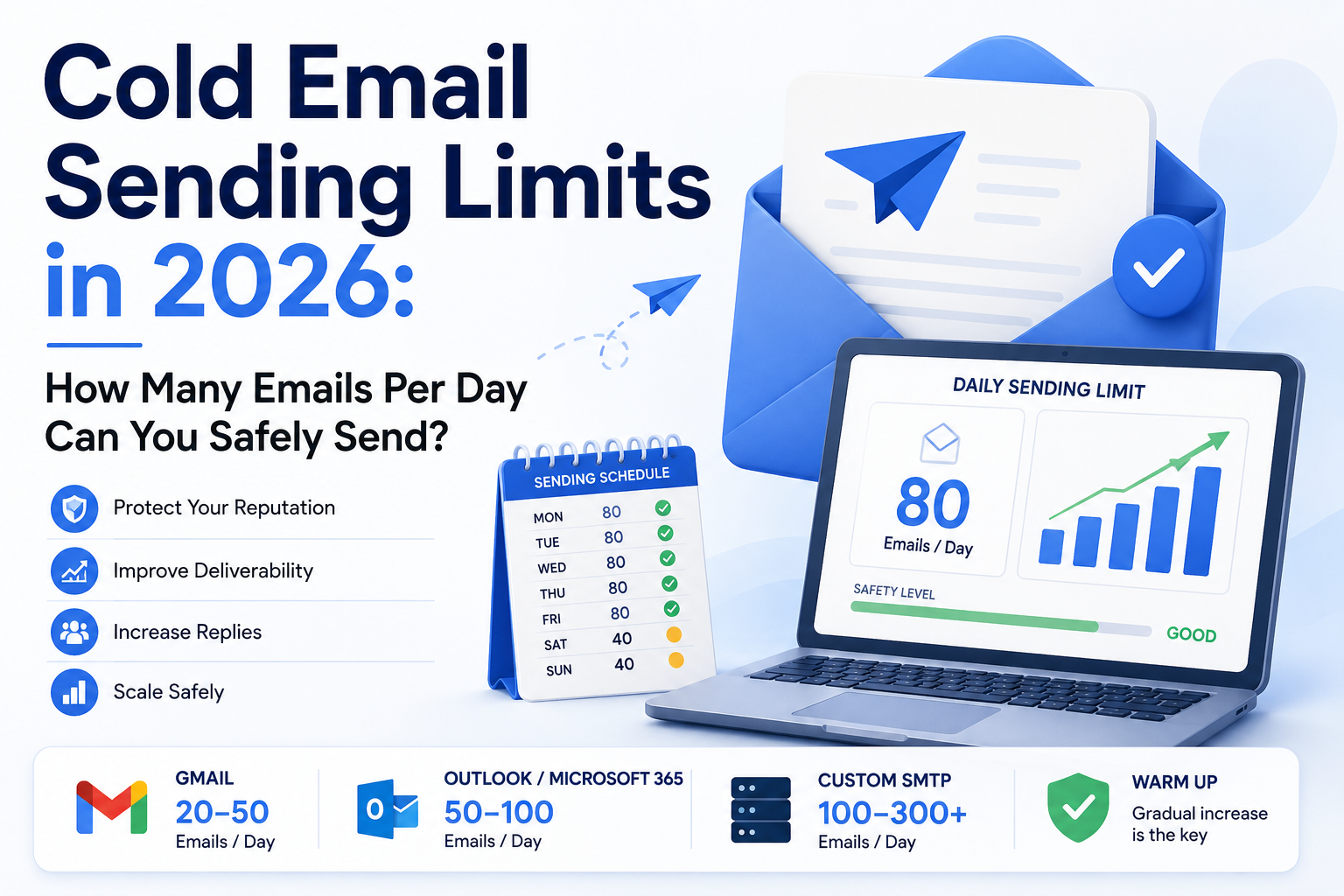
Cold Email Sending Limits in 2026: How Many Per Day?
Most SDRs ask the wrong question. Instead of "how many emails can I send?" the question that actually protects your pipeline is "how many emails can I send before my domain reputation tanks?" Those two numbers are very different—and confusing them is how good campaigns die quietly in the spam folder.
Provider Limits vs. Deliverability Limits: Know the Difference
Google Workspace and Microsoft 365 both publish technical sending limits, and neither of them is the number you should be optimizing toward. Technical limits define the ceiling at which your account gets throttled or suspended. Deliverability limits—the practical ceiling where inbox placement stays healthy—are almost always lower.
Think of it this way: a provider might technically allow hundreds of outbound emails per day from a single mailbox. But mailbox providers don't just ask "did this sender stay under the hard cap?" They ask "does this sender's behavior look legitimate?" Reputation is built on engagement, complaint rates, bounce rates, and sending consistency—not on how close you get to a published number.
Most SDRs conflate provider limits with safe sending limits and burn their domains chasing maximums. The result: spam folder placement, declining reply rates, and domains that need to be retired months earlier than necessary. Use provider limits as a ceiling you never touch, not a target you aim for.
Safe Daily Limits Per Mailbox at Each Stage
Mailbox reputation builds in stages, and your sending volume should match where a mailbox actually sits in that progression—not where you want it to be.
- New mailboxes (first 30 days): Cap at 10–40 emails/day while warmup runs. These mailboxes have no reputation history, so mailbox providers evaluate them conservatively.
- Developing mailboxes (30–60 days): Scale to 40–75 emails/day as reputation begins to stabilize and positive engagement signals accumulate.
- Mature mailboxes (60+ days): Up to 100 emails/day is achievable—but only if engagement metrics stay healthy. Reply rates, bounce rates, and inbox placement should all remain in good shape before you push toward that ceiling.
These numbers aren't arbitrary. They reflect what mailbox providers reward based on observed sending behavior, not what they technically permit. A mailbox that's been sending 80 emails/day with strong engagement and low complaints is in a fundamentally different position than one that jumped to 80 emails/day on day three. Warmup and volume scaling are how you earn the right to send more.
Domain-Level Volume: The Limit Most SDRs Ignore
Every mailbox on a domain contributes to its aggregate sending signal. Mailbox providers evaluate activity at both the individual mailbox level and the domain level—and most SDRs only think about the former.
The math here is simple but important. Three mailboxes sending 100 emails/day each puts your domain at 300 emails/day total. That's the practical ceiling for most setups with three mailboxes per domain. Go beyond it by adding a fourth or fifth mailbox and pushing each one hard, and you're concentrating a lot of deliverability risk in one place.
The bigger problem with overloading a single domain is containment. If that domain develops a reputation problem—rising complaints, a deliverability dip, throttling from Gmail or Outlook—there's no isolation. Every campaign running through it gets hit at once, and recovery requires dialing back everything simultaneously. That's a painful position to be in when you have active sequences running.
Why Adding Domains Is Safer Than Pushing One Domain Harder
Each domain develops its own reputation independently. When one domain underperforms—whether from a bad list segment, a messaging experiment that generated complaints, or just natural variation—the damage stays contained. Other campaigns keep running without interruption.
For 10,000 prospects, the recommended infrastructure is 5–8 domains with 3 mailboxes each. At 100 emails/day per mailbox, that gives you 1,500–2,400 emails/day of capacity spread across enough domains that no single reputation event can crater your entire outbound program. You should also keep your root domain—the one tied to your main website and customer communications—out of cold email entirely. Use brand-adjacent secondary domains (think companyhq.com or getcompany.com) for all outreach.
XemailCampaign's built-in warmup lets new domains ramp in the background while active domains keep running campaigns. That means you can add infrastructure continuously without pausing outreach to season new mailboxes manually.
3 Signs You're Already Sending Too Much
Volume problems rarely announce themselves with a clear error message. They show up as gradual metric decay that's easy to misattribute to copy quality or prospect fit.
Open rates drop suddenly after a volume increase. This is usually the first signal that emails are landing in the spam folder rather than the inbox. If nothing changed in your subject lines or targeting but opens fell right after you scaled up, the volume increase is almost certainly the cause.
Reply rates fall even though copy hasn't changed. When providers start throttling delivery, fewer emails reach the inbox. Reply rates decline even though the underlying messaging is the same. SDRs often respond by testing new copy when the real fix is pulling back volume.
Bounce rates tick up unexpectedly. A bounce rate increase after a volume spike can indicate reputation stress—providers becoming more aggressive in rejecting mail—or it can signal that list quality issues that were already present are now compounding at higher volume. Either way, it's a signal to stop scaling and investigate before the problem deepens.
How to Scale Volume Safely Without Wrecking Deliverability
The core principle: increase by 10–20% at a time, not in large jumps. Going from 50 emails/day to 100 emails/day in one move looks different to a mailbox provider than going from 50 to 60, then 60 to 75, then 75 to 90 over three weeks.
Only scale after bounce rates, complaint rates, and inbox placement have been stable for several days at your current volume. If any of those metrics are showing stress, adding more volume makes the problem worse—not better. Fix the underlying issue first, then scale.
Weekly ramp schedules consistently outperform daily ones. Here's a conservative weekly structure per mailbox:
| Week | Emails/Day per Mailbox |
|---|---|
| 1 | 30 |
| 2 | 40 |
| 3 | 55 |
| 4 | 70 |
| 5 | 85 |
| 6 | 100 |
Weekly increments give mailbox providers time to evaluate your behavior at each level before you push higher. Daily adjustments don't allow enough data to accumulate, and they create a less predictable sending pattern. Slow, consistent scaling is how you reach high volume without sacrificing the reputation that gets you there.
Next Steps
Use this as a pre-scale checklist before you increase volume on any mailbox or domain:
- Mailbox is at least 30 days old with warmup running
- Current bounce rate is below 2% (ideally below 1%)
- No spike in spam complaints in the last 7 days
- Inbox placement has been stable for at least 5 sending days
- SPF, DKIM, and DMARC are all passing
- You're increasing by no more than 20% from current daily volume
- Domain has no more than 3 mailboxes if you're near the 300 emails/day mark
- New volume increase is being monitored daily for the first week
If any item on that list is unchecked, hold the increase until it's resolved. Reputation is significantly easier to protect than it is to repair.